a free browser voice over game inspired by The Choicer Voicer
This page covers pack import, scoring, local microphones, Twitch chat voting, and custom packs so you can host a clean session without guessing. New here? Start with the dubbing game guide, then play the voice over game to try the steps live.
How to Import a Voice Pack (ZIP or Folder)
Voice Jam starts empty — like other browser dub studios that keep media on your device. You bring the pack; we never host or upload community video/audio for you.
Download a community voice or dub pack ZIP from GameBanana. Leave it zipped.
On Play, drop the ZIP onto the import panel (or use Upload pack ZIP). The studio unpacks it in your browser only — nothing uploads.
Supported layouts match Choicer packs: numbered clips (01_Name.wav), optional sidecar .txt with caption= / dub_characters= / dub_timestamps=, plus optional dub_video and _backing_track.
Hear clip → Start recording → compare waveforms → Next clip. When every line has a take, press Watch dub.
Prefer an unpacked folder? Use Import folder instead of a ZIP.
Tip: Judge packs (judge1.png + config_judges.json) are not importable as dub packs. If a ZIP fails, unzip once, confirm clips open, then re-zip the pack root folder.
How the AI Judging Scores You (0–100)
After you finish a take, Voice Jam shows category scores that sum toward an overall result on a familiar 0–100 style readout for the studio UI. Think of timing, tone match, and energy as separate lanes: a rushed read can still sound funny, but it may lose the timing lane; a quiet whisper might nail tone yet under-deliver energy. Use the score breakdown to decide whether to retry the same line or move on. Friends comparing takes should watch the same categories so arguments stay specific instead of “I was better.”
Read the prompt and character name before the countdown.
Deliver one clean take without stopping mid-sentence.
Review timing, tone, and energy bars when the panel returns.
Retry or advance, then play the voice over game again with a harder pack if scores feel too easy.
Streaming tip: say the category names out loud when the scorecard appears so chat can follow. Party tip: keep a whiteboard of best overall scores per pack so rivalries stay light and measurable across the night.
How to Set Up 4 USB Microphones for Local Play
Local play shines when everyone can hear prompts on a shared screen. One shared mic is enough for casual nights, but four USB microphones make turn-taking faster and keep hands off the same grille. Use powered USB hubs if your laptop ports are limited, place mics at least an arm’s length apart to reduce crosstalk, and test browser permission for each input before guests arrive. If a mic fails to appear, unplug others temporarily to confirm the OS enumerates devices cleanly.
Connect mics and confirm each one appears in system sound settings.
Open the browser, allow microphone access, and do a short level check.
Seat players in speaking order and mark whose turn the UI expects.
Cable management matters more than fancy condensers. Label each XLR/USB run with painter tape, keep drinks behind the mic line, and appoint one host who only manages levels so performers can focus on delivery.
How to Connect Twitch Chat Voting
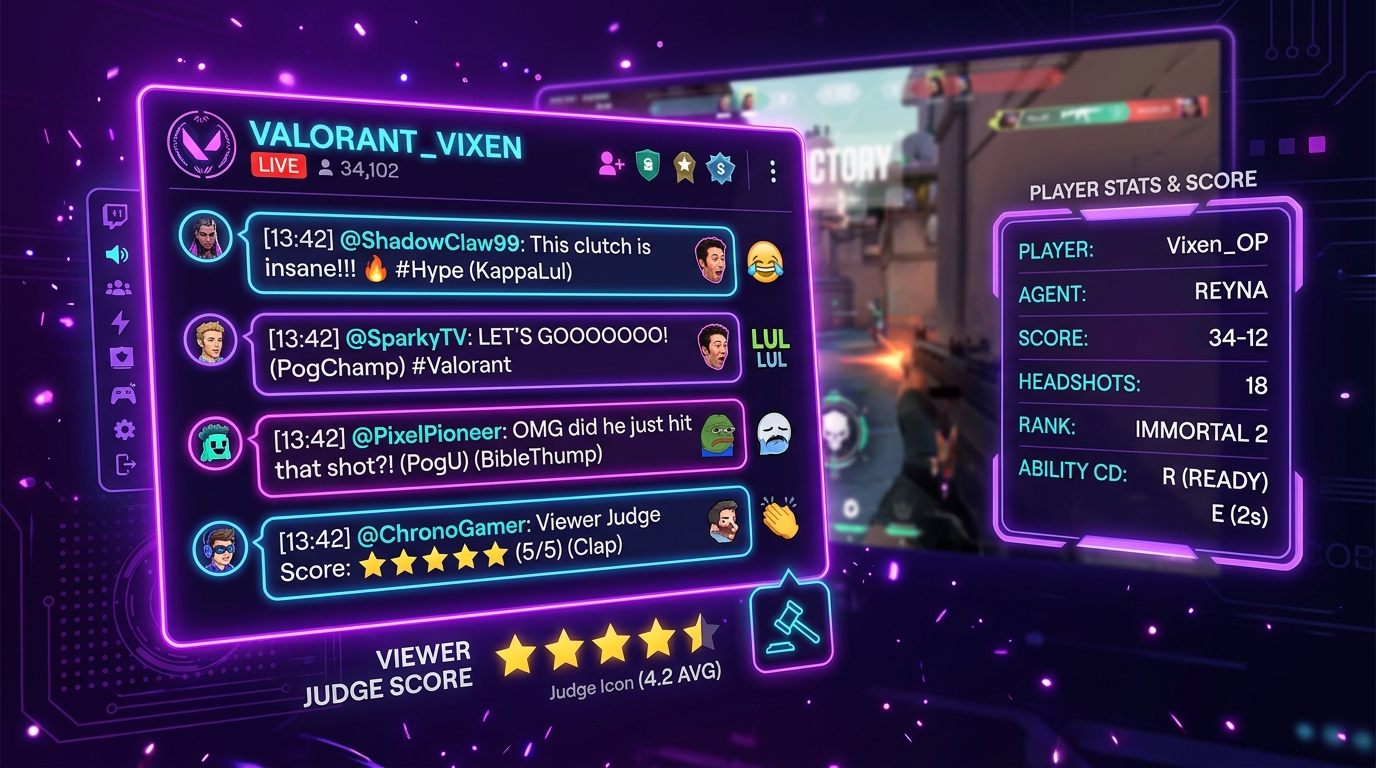
Twitch-friendly sessions work best when chat knows the bit before you go live. Explain whether viewers should spam reactions, vote with short commands, or simply hype loud takes. In Voice Jam, keep rounds short, put the prompt text large on stream, and use studio preferences when you need streamer mode toggles. Brief your mods: pin a rules message, timebox voting windows, and ban spoilers of upcoming pack names if you are running a themed night.
Enable streamer-friendly preferences and test reference audio loudness.
Announce the voting format in chat five minutes before the first round.
Perform, then leave a ten-second window for reactions before revealing scores.
Between rounds, invite chat to suggest the next pack while you play the voice over game lobby stays open.
If chat is quiet, seed the first vote yourself and ask a mod to model the command. Loud packs with clear punchlines convert better on first-time audiences than ultra-niche accents.
How to Import a Custom Voice Pack
Custom packs let you write original characters, lines, and delivery notes for your community. Use the in-browser builder to name the pack, set a genre and difficulty, then add several challenges with clear prompts. Keep lines speakable in one breath for party play; longer monologues work better for solo practice. After saving, the pack appears in your local library so you can audition immediately. For format notes about community content packs, see the pack format reference when you need folder-level details.
Sharing tip: export your line list to friends as plain text if they host on another machine, or rebuild the pack together at the start of a session so everyone owns the same jokes.
Watch it in action
Installing the game, building a pack, and how it plays on stream
Choicer Voicer Mod installation tutorial
sludge
Choicer Voicer Tutorial! #choicervoicer #gaming
VibeyVee
How To Make Your Own Voice Pack For (Choicer Voicer V0.5.1) | 2026 Tutorial
Connor
How to Find and Install Any Voice Pack for Choicer Voicer
godogsful1
Best way to Download and Install DUB PACKS for The Choicer Voicer
AlexTheMan
EASIEST WAY TO DOWNLOAD DUB PACKS FOR CHOICER VOICER
ditsie
Videos and clips are referenced from YouTube and Twitch via iframe. Nothing is downloaded or re-hosted here. Published clip picks include IDs only — no titles or thumbnails — so those cards are numbered and link back to the original.