Quick Play
Jump into a random game with surprise voice packs and modes.
4-Player Local
Grab up to 4 microphones and play together on one device.
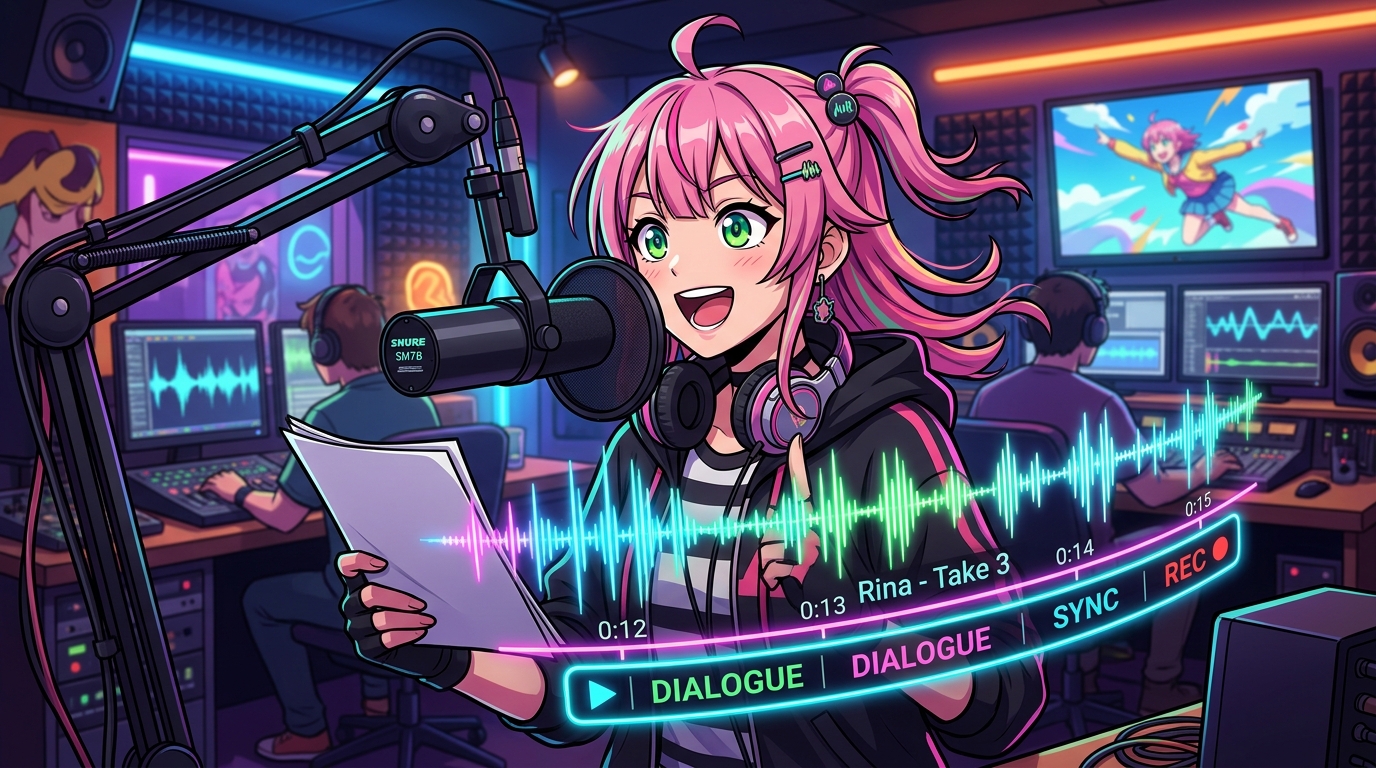
Dub Mode
Record your voice over scenes, movies or animations.
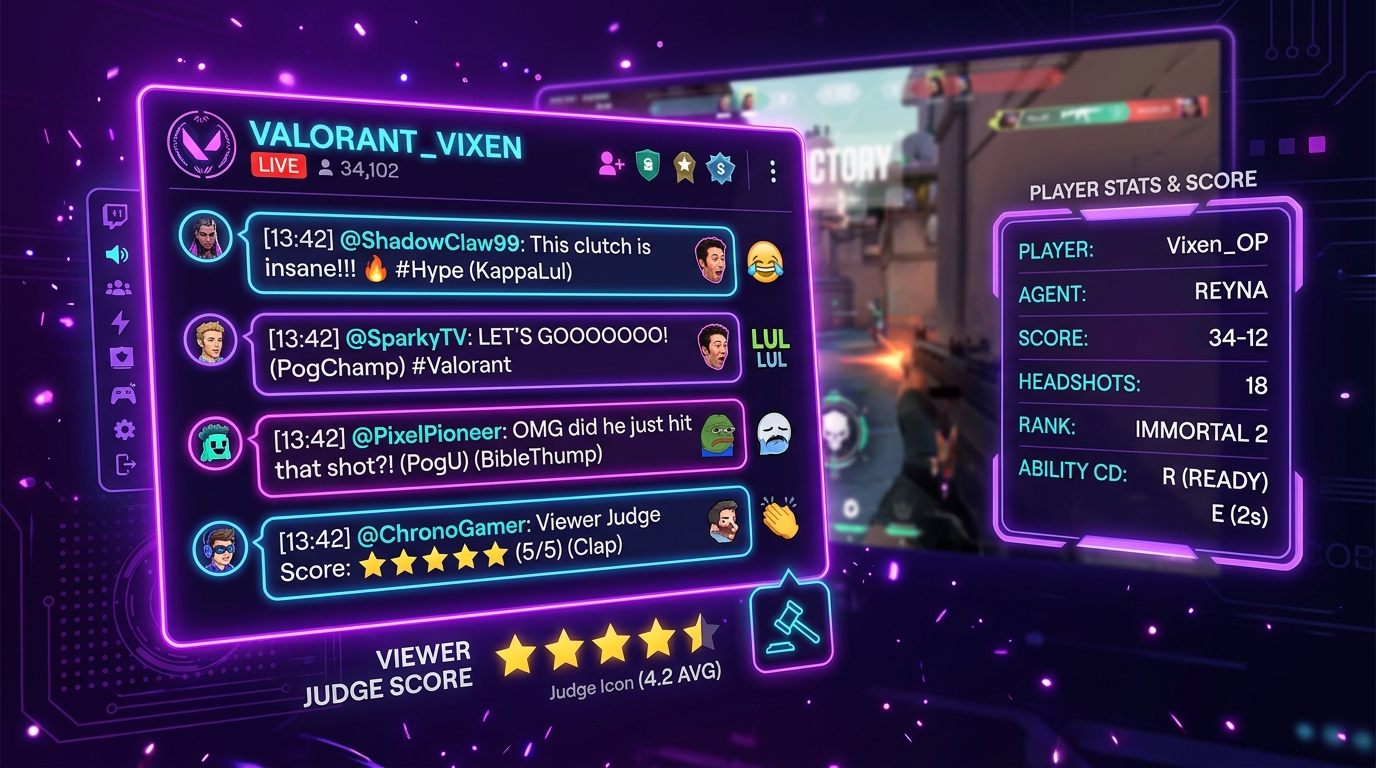
Twitch Mode
Let your chat be the judge. Play live with your community.
Featured Voice Packs
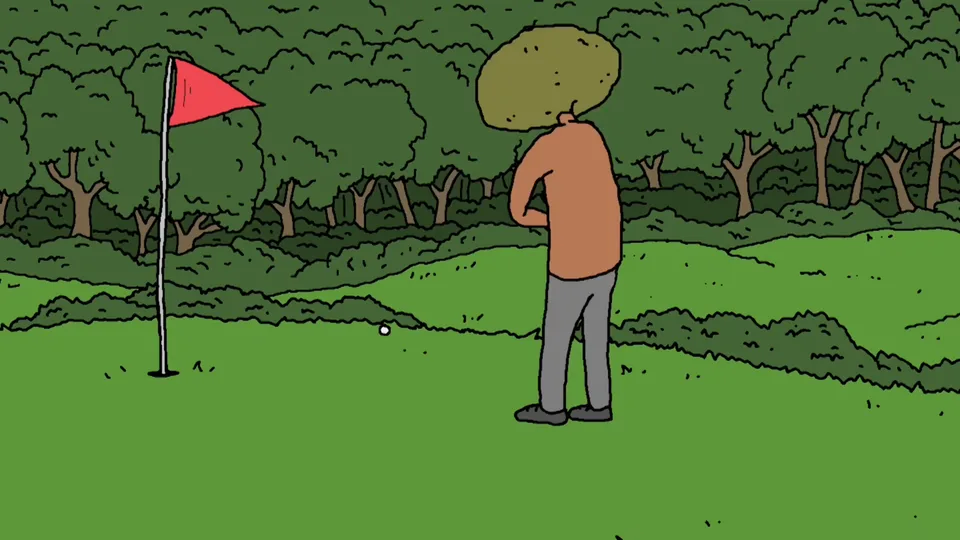
The Big Lez Show Pergola
Dub Pack / Scene Voiceover
82 voices · Hard · By Unknown. 82 lines · 1m 45s total · 1.28s average · includes a Dub Mode scene video.

Home Movies - I'm Gonna Kill You
Dub Pack / Scene Voiceover
61 voices · Hard · By ultrachud10. 61 lines · 1m 58s total · 1.93s average · includes a Dub Mode scene video.

Family Guy - Its A Wonderful Day for Pie
Dub Pack / Scene Voiceover
53 voices · Medium · By Sullivan. 53 lines · 3m 46s total · 4.27s average · includes a Dub Mode scene video.

Family Guy - The FCC
Dub Pack / Scene Voiceover
36 voices · Medium · By Zephrym. 36 lines · 2m 23s total · 3.97s average · includes a Dub Mode scene video.

Solo Leveling OP 1
Dub Pack / Scene Voiceover
34 voices · Hard · By Tomatsu. 34 lines · 1m 9s total · 2.02s average · includes a Dub Mode scene video.

Spongebob Squarepants - Spongebob Meets Mermaid Man
Dub Pack / Scene Voiceover
29 voices · Medium · By Mod-In-Heaven. 29 lines · 1m 28s total · 3.04s average · includes a Dub Mode scene video.
New & Popular Games
What Is Voice Jam?
Voice Jam is a free browser voice over game inspired by The Choicer Voicer. It is a free voice over party game you play in the browser — open the site, tap record when you are ready (microphone permission only after you click), choose a pack, and start performing. There is no mandatory account wall and no native installer. Explore voice acting challenge modes, browse free dubbing voice packs, or jump straight into the play voice over game lobby when your friends are already seated.
Voice Over Game for Parties and Streams
Looking for a voice over game you can open in Chrome or Safari without installing anything? Voice Jam lets you pick a clip, mimic the tone and timing, and get scored by a panel of judges. Sessions work for solo practice, living-room parties, and live streams because every round stays short and readable on camera.
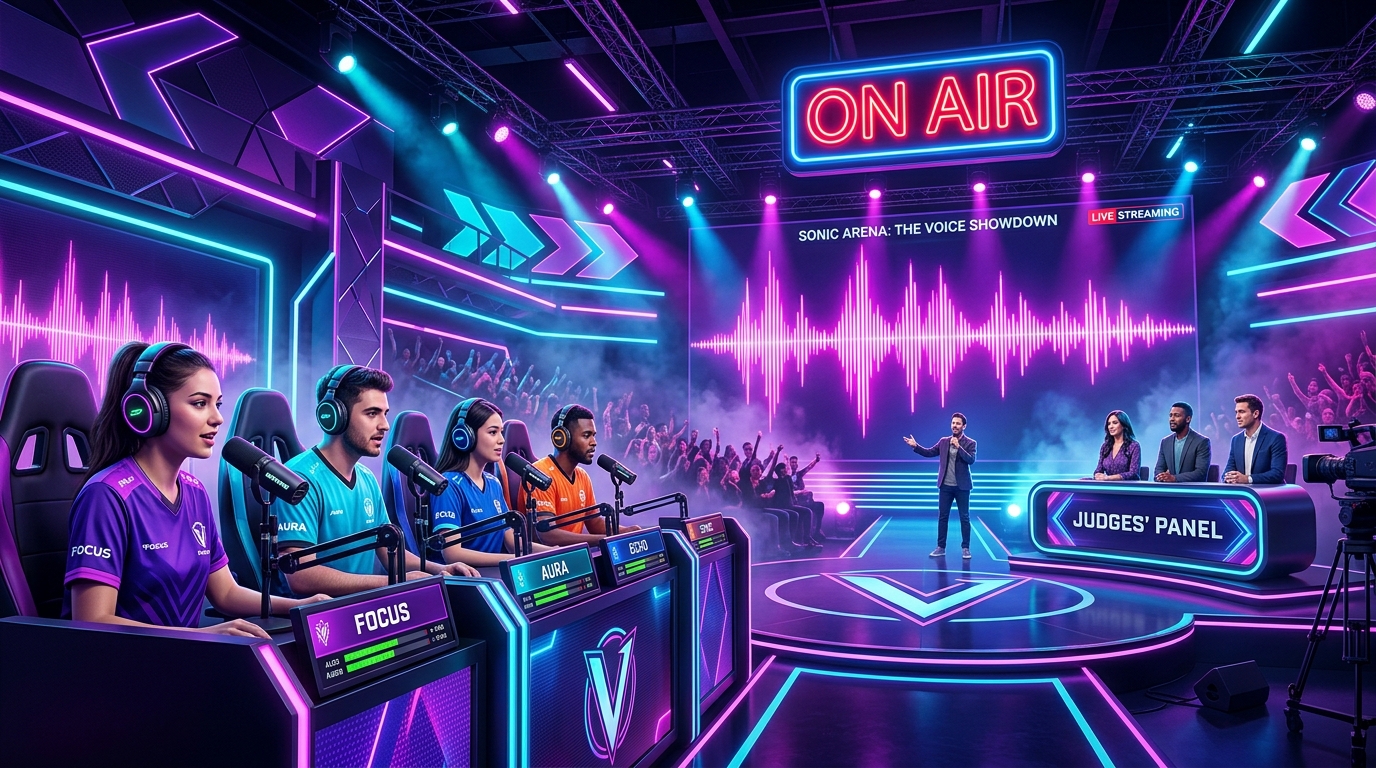
Voice Acting Challenge With Scored Impressions
Each voice acting challenge hands you dialogue plus a delivery prompt — heroic, sarcastic, whispered, or chaotic. You rehearse once, then record. Scoring focuses on timing, pitch match, and energy so friends can compare takes fairly. Prefer curated libraries? Browse free packs first, then jump straight into an audition room when you find a style that fits your group.
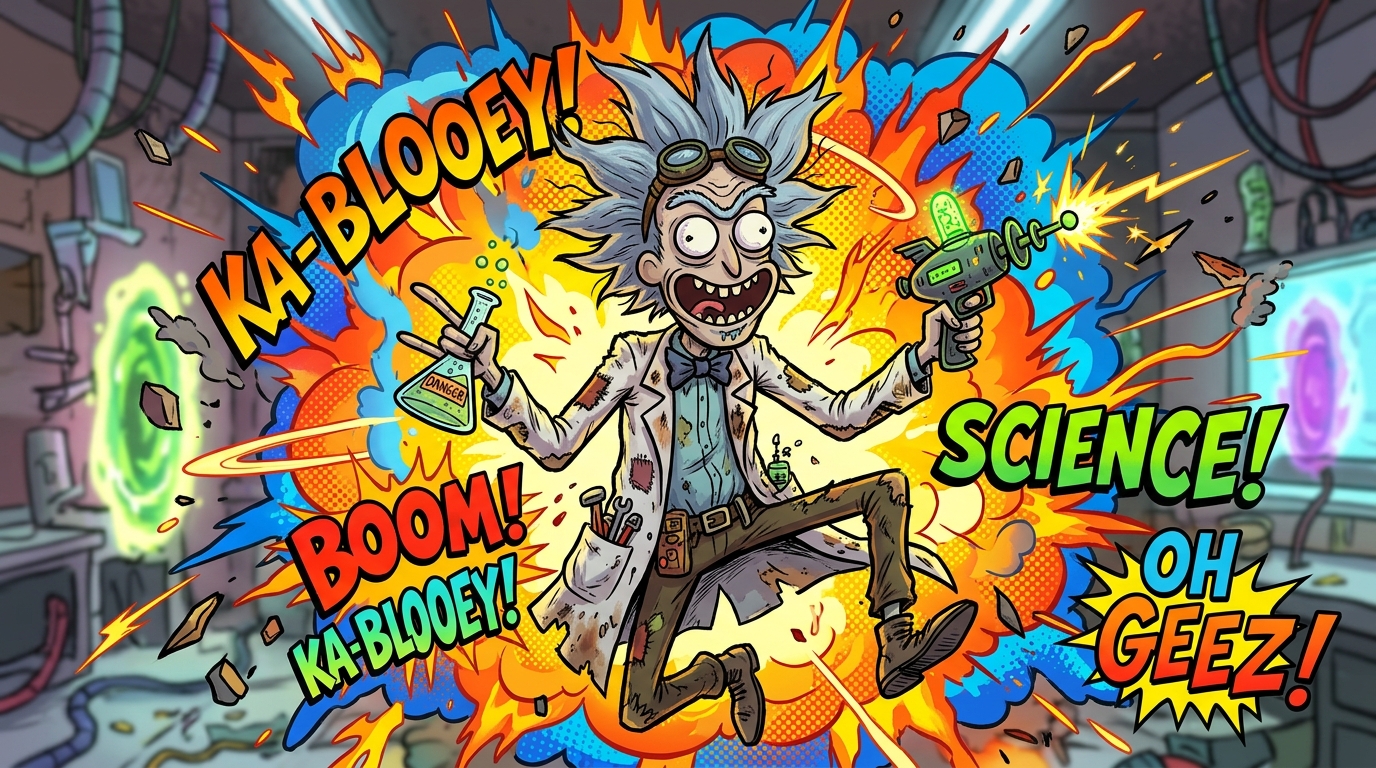

Dubbing & Movie Scenes You Can Re-Voice
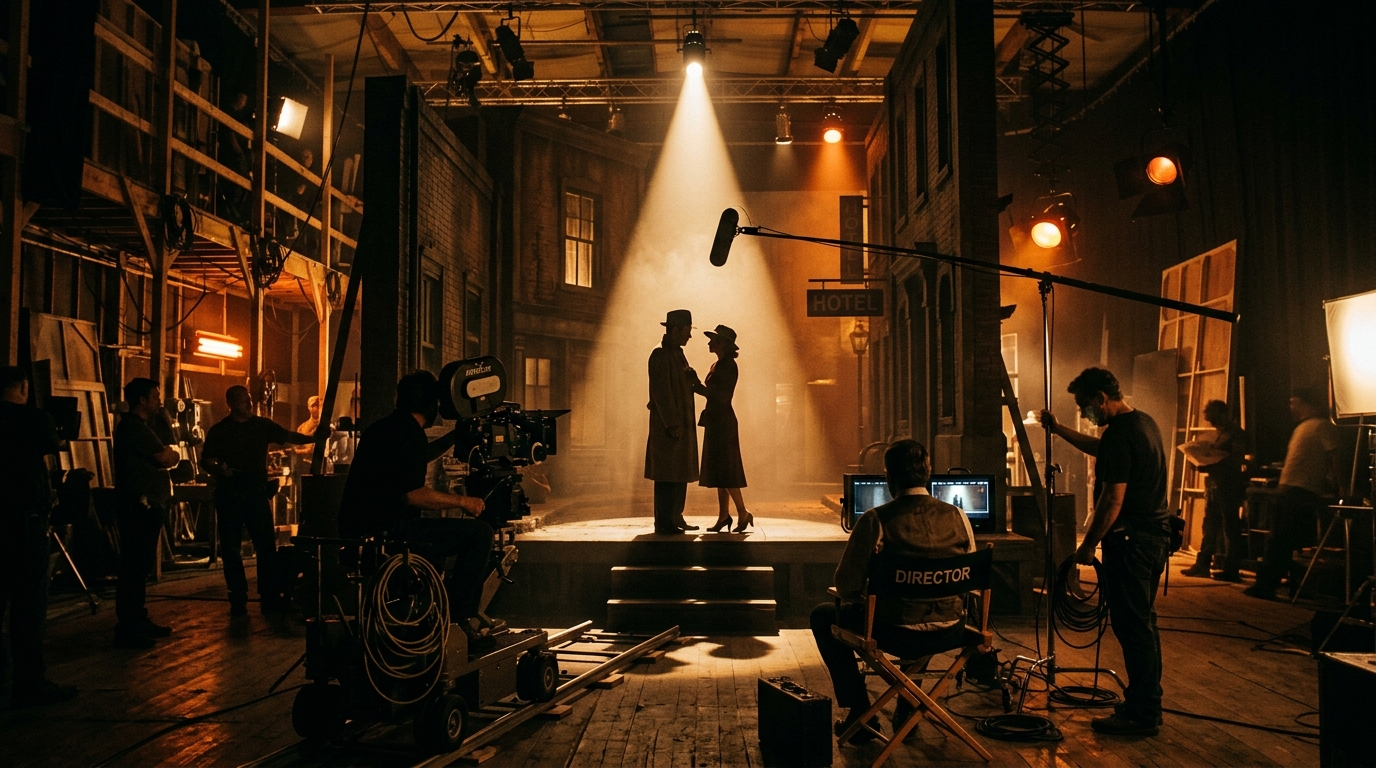
Dub Mode turns iconic movie and TV moments into a browser-friendly dubbing desk. Play the reference line, watch the scene when available, then drop your own take over the same beats. It is ideal for creators who want a light voice over workout without a full DAW. Start with movie-style packs, or bring community content packs that ship with scene video and line audio.

4-Player Couch Party With Shared Mics
Host a 4-player couch party on one device: pass a single mic, or plug in multiple USB microphones when you have them. Rounds stay turn-based so everyone hears the prompt and watches the scoreboard update. New hosts can skim the local mic guide before guests arrive, then keep the lobby on the play page for the rest of the night.
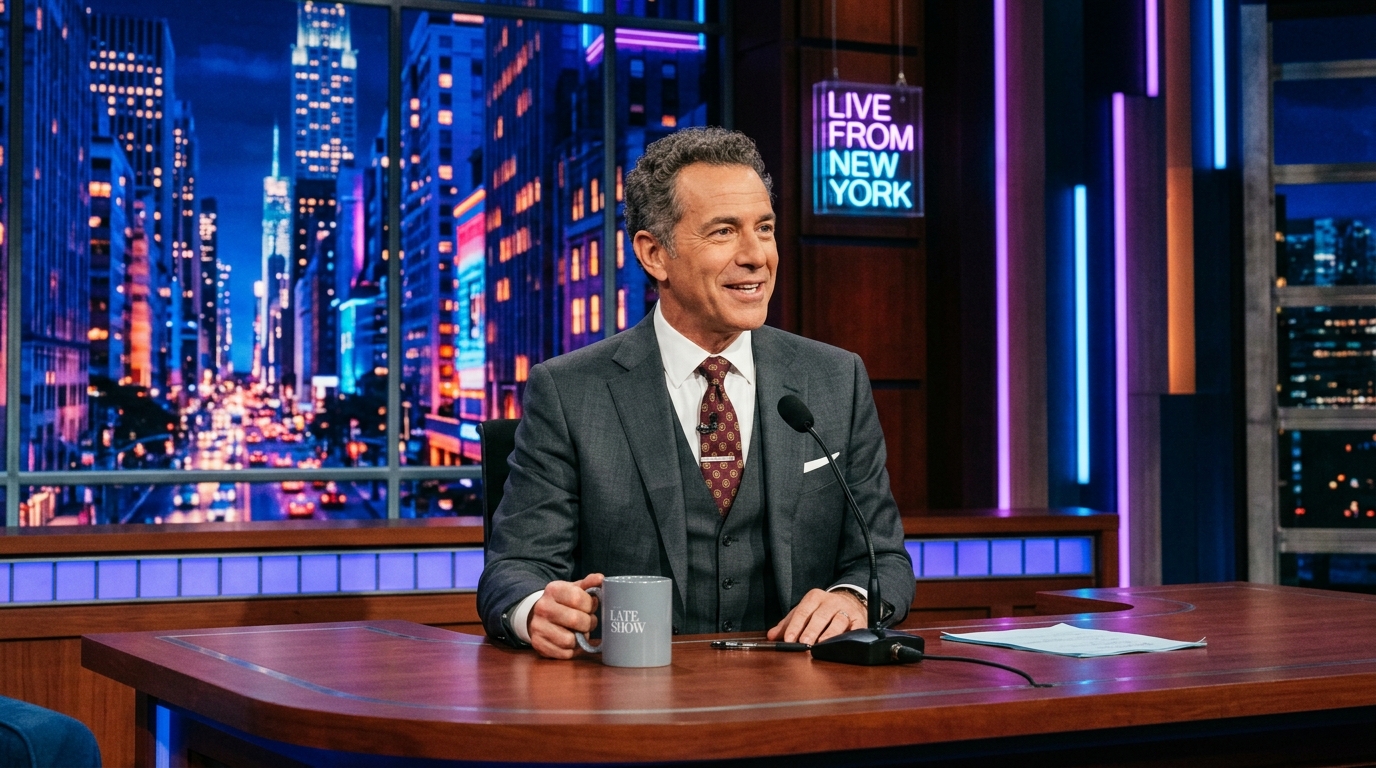

Twitch Chat Mode for Live Audience Voting
Twitch Chat Mode keeps your audience inside the bit. Viewers react while you perform, and streamer-friendly studio toggles help you hide sensitive tracks when needed. Pair chat energy with a loud pack, keep rounds short, and link your setup notes from the guides page so mods know how voting works before you go live.